

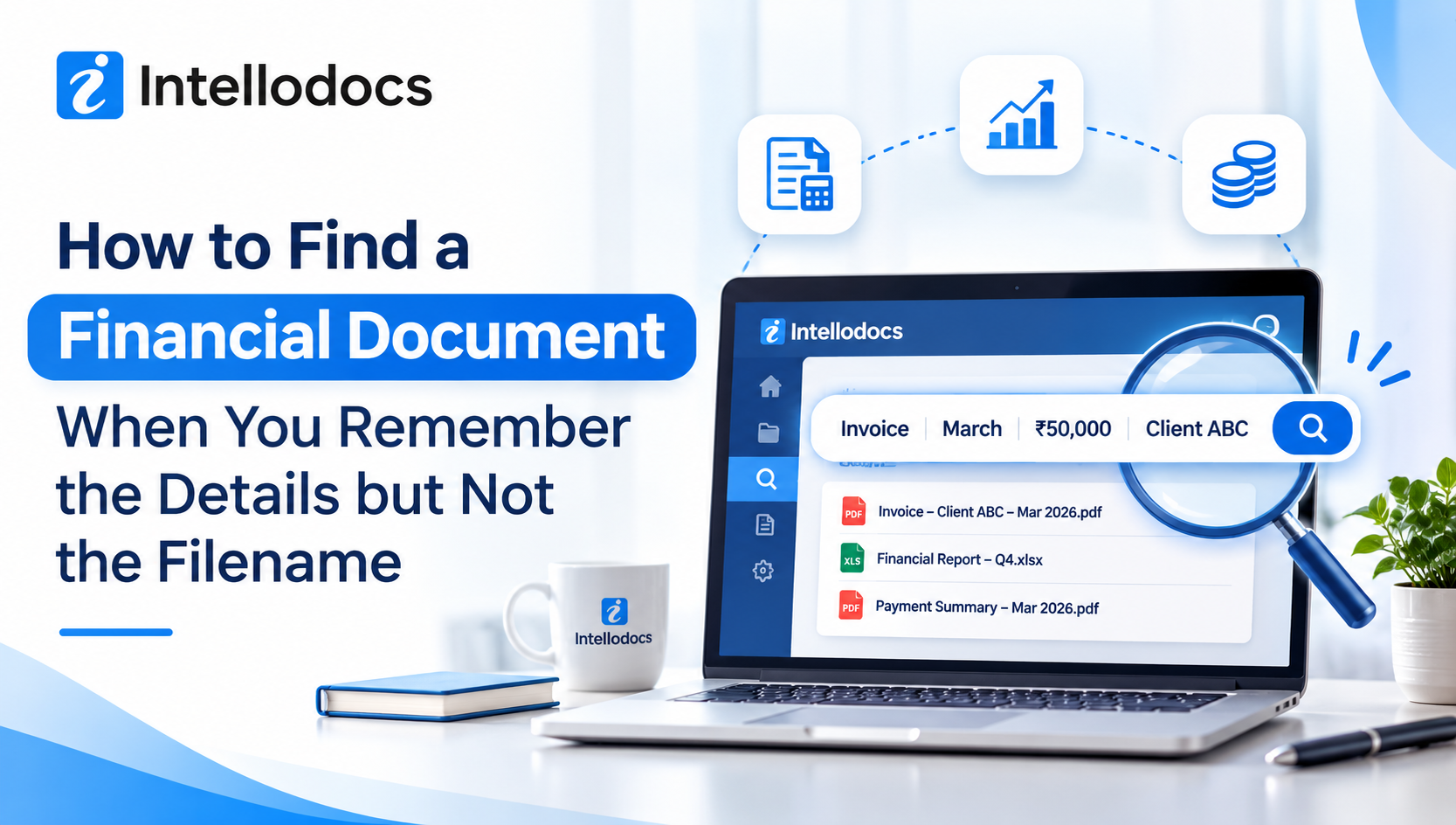
It's 6 PM during filing season. A client calls and asks for the bank statement he sent "sometime in March, I think." You know the statement exists, and you even remember it had a big transfer to a supplier in Pune. But the file is not where you expected it to be, and the name on it could be anything.
Most accountants have been in this spot. You remember what the document says, but you can't remember what it's called. That gap costs more time than people like to admit, because a filename is a label somebody typed in a hurry, while your memory holds the real details.
This article explains why filenames let us down, what you can do about it, and how document retrieval software for accountants in India helps you search the way you actually think.
Why filenames fail in a busy accounting office
A filename works only when everybody follows the same rules, and that almost never happens. One staff member writes "Sharma_GST_Q3," another writes "gst sharma new," and the client's own file arrives as "IMG_2043.pdf" or "scan001.pdf."
Things get worse because documents come from many places. Clients send papers through WhatsApp, email, courier scans and sometimes a pen drive. Each route adds its own naming habit, and nobody has the time to rename every file properly during a deadline week.
Then there are the copies. Not only do you end up with "Final," "Final2" and "Final_USE THIS," but you also lose track of which one was actually filed. So even when you find a file, you may still wonder if it is the right one.
Here is the thing, though. The problem is not that your team is careless. The problem is that a filename was never meant to carry that much weight.
What you usually remember instead
When we try to find a document, we rarely think of its name. We think of what was inside it. Most of the time the memory looks something like this:
- The client's name, or at least the first half of it
- The assessment year or the month it arrived
- A rough amount, like "around four lakh"
- The kind of document, such as an ITR acknowledgement, a notice or a Form 16
- Who sent it, and through which channel
These details are useful, and they are also exactly what a good retrieval system should understand. Neither the filename nor the folder path tells you any of this, yet the document itself contains all of it.
Where the usual search methods break down
Let's be fair to the old methods first. Folder search and desktop search do work, but only up to a point.
If you search inside a shared drive, the system usually looks at the filename and, in some cases, the text in typed documents. It can't read a scanned page, since a scan is just a picture. And a lot of what accountants handle is scanned, like bank statements, notices, signed letters and old paper records.
Email search has a similar limit. You can look for a sender or a subject line, but you can't easily search for "the invoice with the 2.4 lakh amount." WhatsApp is even harder, because documents sit between hundreds of chat messages, and the search bar mostly looks for words in the chat, not inside the files.
So you end up doing it by hand. You open five files, scroll through each one, close them, and try the next five. It works in the end, but it eats up the hour you needed for real work.
How document retrieval software for accountants in India works
This is where purpose-built tools come in. Instead of asking you to remember a name, they read the document and index what it contains. Three ideas make the difference.
Search by meaning, not by filename
A modern system understands a plain sentence. You can type something like "Sharma GST returns 2022-23" or "consent letters expiring this quarter," and it looks for the meaning behind your words. It doesn't need an exact match with a file name, and it doesn't care whether you spell the client's name the same way the file does.
Intellodocs, for example, calls this semantic search, and it states that the average search time stays around 0.4 seconds even across thousands of documents. Whether you have two hundred files or twenty thousand, the idea is the same: you ask the way you speak.
Reading inside scanned PDFs and photos
Many accountants worry about scans, and rightly so. A good retrieval tool reads the content of image-based files too. So a file called "scan001.pdf" can still show up when you search for a GSTIN, a date or an amount that appears on the page.
This matters a great deal in India, where phone photos of documents are common. A blurry but readable picture of a notice should be as findable as a clean PDF from a portal.
Details pulled out the moment a file arrives
The third piece is metadata. When a document lands in the system, the software picks out the key details, such as the PAN, the client name, the assessment year, due dates and amounts. These details then become searchable fields.
That is why your half-remembered facts can work. You may only recall that a document had a certain amount and belonged to a certain client, but because the software has already stored those details, the search can still find it.
A practical way to search when your memory is only half clear
Even with good software, it helps to have a small routine. Here is one that works for most teams.
- Start with the client. Type the client's name, or even part of it. This narrows the pile fast.
- Add the document type. Words like "ITR," "notice," "bank statement" or "balance sheet" cut the results down further.
- Add a year or a month. An assessment year is usually the easiest detail to remember.
- Use an amount or a name from inside the document. If you recall a supplier's name or a rough figure, include it.
- Check the summary before opening. If the tool offers a short summary with the parties, dates and amounts, read that first. It can save you from opening the wrong file.
- Confirm the version. Before you send anything out, look at the version history, because the latest upload isn't always the one that was filed.
None of this needs special training. Either you remember one detail or you remember three, and the search still has something to work with.
What to check before choosing a retrieval tool
Not every tool fits an accounting practice. Before you commit, ask a few direct questions.
- Does it read scanned files? If it only searches typed text, it will miss a large share of your documents.
- Does it understand accounting papers? A tool that can tell an ITR from a GST return, and can extract a PAN or an assessment year, will save far more time than a general file store.
- How do documents get in? If your clients send files on WhatsApp, the tool should be able to catch them there, so nobody has to download and upload by hand.
- Is version history built in? Both retrieval and version control matter, since finding the wrong copy is almost as bad as finding nothing.
- Where is the data stored? Client data is sensitive, so ask about encryption, access control, audit logs and whether the servers are in India. Check how it lines up with the DPDP Act too.
- Can you leave easily? Ask whether you can take your files and records out if you ever want to switch.
Price and setup time matter as well, but these six points tell you whether the tool will really help during a deadline week.
Where Intellodocs fits in
Intellodocs, a product of Imbibe Technologies from Karnal, is one example of a system built around exactly this problem. It is made for CA firms and law practices, and its approach follows the ideas above.
Documents arrive from WhatsApp groups, email attachments or direct uploads. The AI then classifies each one, whether it is an ITR, a GST return, an audit file or a consent letter. It extracts details like PAN, client name, assessment year and amounts, and it files the document into the right client folder. When a newer copy comes in, the older one stays in the version history, so you can see what was filed and when.
Retrieval is where it all comes together. You type a plain-language question, and the system searches by meaning, including inside scanned PDFs. You can also open a short AI summary that lists the key parties, dates, amounts and TDS details, without opening the full file.
On the safety side, it offers role-based access, check-in and check-out locking, secure time-limited sharing links and a tamper-proof audit log. Data stays on servers in India, and the site says the system is built to support the DPDP Act. It is currently in early access, so it is worth asking the team what is live today and what is still on the way before you decide.
Final thoughts
Remembering the details but forgetting the filename is not a personal failing. It is how people naturally store information. The better approach is to use a system that searches the way you remember, by client, by year, by amount and by what the document says.
If your team still loses time hunting through folders, chats and inboxes, it may be time to look at document retrieval software for accountants in India that reads inside your files. Start small, test it with a few real documents from your last filing season, and see whether the right file comes up in seconds. If it does, you have your answer.
If you'd like to see how this works on your own client files, you can request a free demo at intellodocs.com or message the team on WhatsApp at +91 82952 00460.
FAQs
1. How can I find a document in India if I don't remember its filename?
Use software that searches by content instead of by name. Type what you remember, such as the client, the assessment year, the document type or an amount, and let the system look inside the files. This works best when the tool also reads scanned PDFs and photos.
2. Can document retrieval software for accountants search inside scanned PDFs?
Yes, if it uses AI-based text reading. It can pick up details like a GSTIN, dates and amounts from an image-based file, so a document named "scan001.pdf" can still appear when you search for something written inside it.
3. Is it safe to store client financial documents in a cloud retrieval system?
It can be, provided the system offers encryption, role-based access, audit logs and storage on servers in India. Always check these points with the vendor, and ask how it supports the DPDP Act before you upload any client data.