

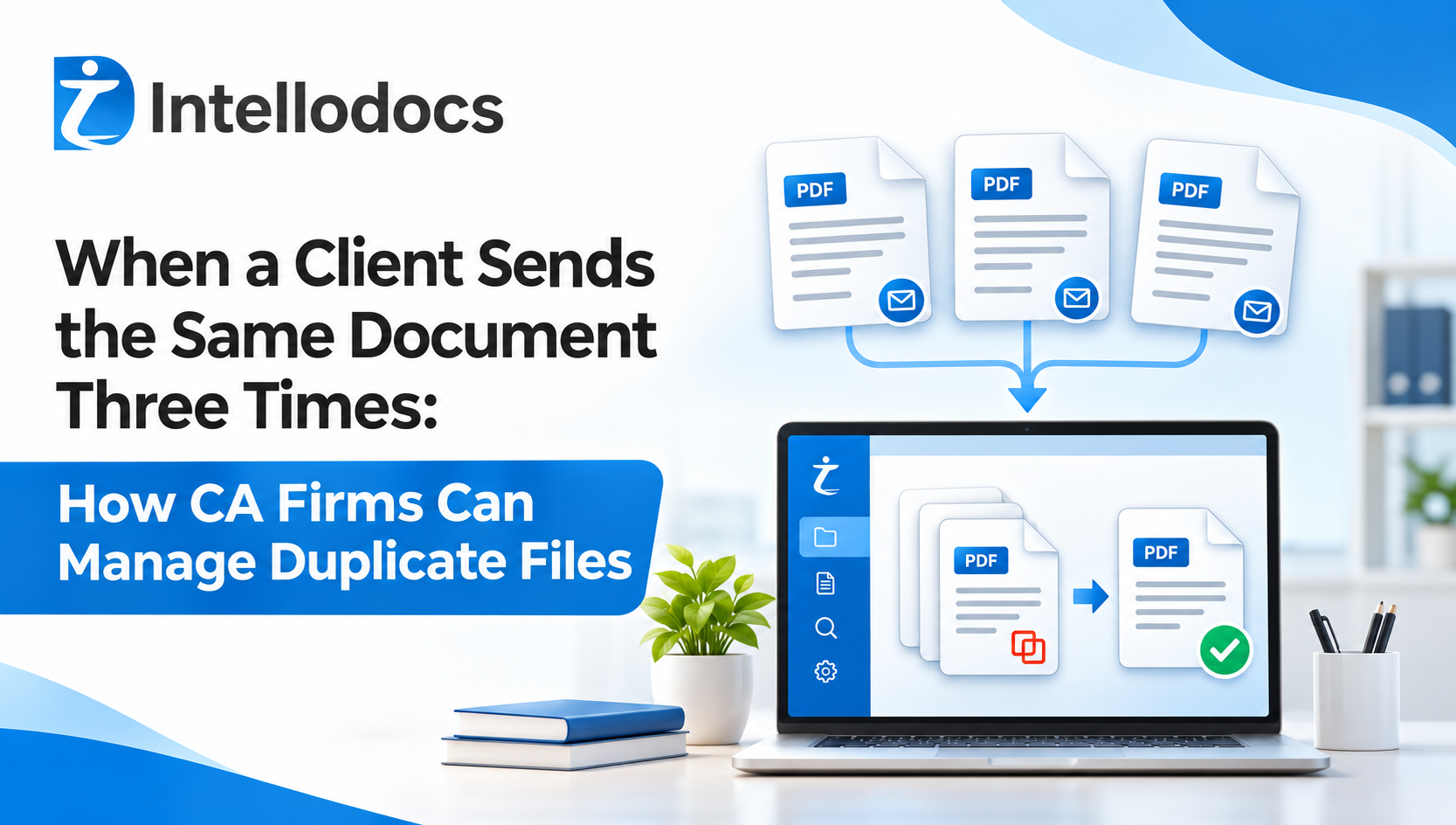
A client says, “I sent you the bank statement last week.” You open your email and find nothing. You scroll through the WhatsApp group and see forty messages, two photos and a voice note. Then you check the shared folder, where three files carry names like “stmt,” “new stmt” and “scan 12.”
The document is somewhere. It always is. But finding it costs twenty minutes, and the same thing will happen again next month.
This is one of the most common problems in accounting offices, and it has little to do with how careful your team is. It happens because financial papers arrive through three or four doors, and nothing connects those doors. In this article, we’ll look at why documents go missing, what it costs, and how document management software for CA firms in India can fix it for good.
Why documents get lost in the first place
Think about how a client really sends things. Some prefer WhatsApp because it is quick and everyone already has it. Others use email, particularly for bigger files or when they copy their own accountant. A few still walk in with a folder of paper that someone has to scan.
Each of these routes works fine on its own. The trouble starts because they don’t talk to each other.
- WhatsApp keeps files inside a chat, between messages, and the search bar looks at words in the chat, not inside the document.
- Email keeps attachments inside one person’s inbox, so a colleague can’t see them unless the mail is forwarded.
- Office folders depend on whoever saved the file, and on whatever name they chose that day.
So a single client’s papers end up scattered across three places and four people. Neither the partner nor the junior has the full picture, and both are guessing a little.
What it really costs a CA firm
It is easy to shrug this off as a small daily irritation. But the cost adds up in ways that are not obvious at first.
Time that never shows on a timesheet
Searching for a file feels like a quick job, and it rarely is. One figure often quoted for knowledge workers is about 1.8 hours a day spent hunting for information that was already sent to them. Your own number may be lower, yet even half of that is a lot across a team.
Wrong or missing documents at the wrong moment
Filing season leaves little room for delay. If a Form 16 or a bank statement can’t be found, work stops, the client gets another reminder, and the whole thing slips by a day or two.
Dependence on one person’s memory
Every office has someone who “knows where everything is.” That works until that person is on leave or leaves the job, and then the knowledge goes with them.
Weak proof when someone asks questions
If an auditor, a client or a regulator asks when a document arrived and who handled it, a chat thread and a mailbox rarely give a clean answer. Records spread over personal phones and inboxes are hard to produce on demand.
Why “just be more careful” doesn’t work
Many firms try to solve this with rules. Everyone must forward documents to the shared folder, rename each file properly and delete the chat copy afterwards.
It sounds sensible, and it works for about a week. Then a deadline arrives, a client sends five files at 9 PM, and the rules get skipped. That isn’t laziness. People simply choose the quickest path when they’re busy, and the quickest path is usually to leave the file where it landed.
A better fix is one that doesn’t depend on willpower. The system should catch the file at the door, so the right thing happens even when nobody has time to do it.
A simple plan to stop losing documents
Before you buy anything, it helps to set a few basics. These steps are small, but they make any tool work better.
- Decide the one home for each client. Pick a single structure, by client and then by year or matter, and stick to it.
- Count your doors. List every way documents reach you, such as WhatsApp, email, scanner and walk-ins, so nothing is a surprise later.
- Choose a firm number and a shared mailbox. Documents sent to a personal phone or inbox are the first ones to disappear.
- Acknowledge every file. A quick “received” message stops repeat sends and makes clients feel looked after.
- Agree on who can see what. Juniors, partners and clients need different levels of access, and it is easier to set this early.
- Review once a month. A short check of what is unfiled or unclear prevents a backlog before the next rush.
Even with these in place, someone still has to move the files by hand. That is where software earns its place.
How document management software for CA firms in India closes the gaps
Good document management software for CA firms in India doesn’t only store files. It watches the doors, takes in what arrives, understands it and puts it in the right place. Four ideas matter most.
Capture where the document lands
The first job is to pull files in from the channels clients already use. That means a WhatsApp number for the firm, email attachments, a scanner and direct uploads, all feeding one vault. Nobody has to download a file, rename it and upload it again, which removes the step where most documents get lost.
Understand the document, not the filename
Once a file arrives, the software should read what is inside it. It can work out whether it is an ITR, a GST return or a balance sheet, and it can pull out details like the PAN, the assessment year and the amounts. Then it routes the file to the right client folder, so the name someone typed stops mattering.
Find it again in seconds
Retrieval is where the effort pays off. Instead of opening ten files, you ask a plain question, such as “total TDS deducted for this client in Q2,” and the system returns an answer with the source page attached. You can check it in one glance, and you can put your name behind it.
Keep control and a clear record
Finally, a serious system has the basics of governance. That includes version history, locks while someone edits, access limited to the right people, and an audit log of every open, share and change. When someone asks for proof, the record is already there.
What to check before choosing a tool
Not every product suits an accounting practice, so it pays to ask some direct questions.
- Can it capture from WhatsApp and email, or only from uploads? If it needs manual uploading, your team will fall back on old habits.
- Does it handle phone photos? Many documents reach you as tilted or blurry pictures, so the reading needs to cope with that.
- Does it ask before it files? A good tool proposes the destination and lets a person confirm, and it flags anything it isn’t sure about.
- Can you set permissions on a single file? Clients should see only their own papers.
- Where does the data sit? Ask about encryption, India-based hosting options and how the product supports the DPDP Act.
- What happens to your old files? Ask whether the vendor helps you move years of existing folders in.
- Can you leave easily? You should be able to take out your files, metadata and logs without a fee.
Test the answers on your own sample documents from last season. A short trial with real, messy files says more than any brochure.
Where Intellodocs fits in
Intellodocs, a product of Imbibe Technologies in Karnal, is one example of this approach. It is an AI-based document vault, and according to its website it takes in documents from four places: a WhatsApp thread (through the Meta WhatsApp Business API on a separate firm number), email attachments from a scoped mailbox, scans or phone photos, and direct uploads. Clients don’t need to install anything or learn a new portal. They keep sending files the way they always have.
After capture, the AI reads the content rather than the filename. It recognises documents such as ITRs, Form 16s, GST returns and balance sheets, extracts the PAN, assessment year, amounts and TDS details, and proposes where to file each one. A person confirms with one tap, and anything unclear is flagged for review. Later, you can ask a question in plain language and get an answer with the exact source sentence highlighted. If there is nothing to support an answer, it says so.
The control side covers check-in and check-out locking, version history with visual comparison, permissions down to a single file, time-limited sharing links and a tamper-proof audit log. You can run it on managed cloud, on a dedicated instance or on your own servers, with TLS and AES-256 encryption.
In fairness, the product is in early access. The site says native Gmail and Outlook connectors, e-signature and Tally sync are not part of Phase 1, so it is worth asking the team what works today and what doesn’t. Early-access firms get help moving their existing folders, and pricing is quoted on a setup call before you commit.
Final thoughts
Documents don’t get lost because people are careless. They get lost because they arrive through several doors and nothing ties those doors together. Small habits, like a firm number, one folder structure and a quick “received,” will help right away.
But when the volume grows, habits alone aren’t enough. That is the point where document management software for CA firms in India makes sense, since it catches files at the source, reads them and files them without extra effort from your team. Try it with a handful of real client documents, including the blurry WhatsApp photos, and see whether the right file turns up in seconds.
If you’d like to see how this works for your own firm, request early access at intellodocs.com or call +91 82952 00460.
FAQs
1. Why do financial documents get lost between WhatsApp, email and folders?
Because each channel keeps files in its own place, and none of them connect. A WhatsApp file stays in a chat, an email attachment stays in one inbox, and a folder depends on how someone named the file. Without one shared system, the same client’s papers end up scattered.
2. How does document management software for CA firms in India handle WhatsApp documents?
A good system captures files sent to a firm WhatsApp number, usually through the official WhatsApp Business API, and files them under the right client automatically. It records who sent the file and when, so nobody has to download and re-upload anything by hand.
3. Is it safe to keep client financial documents in a cloud document system?
It can be, if the vendor offers strong encryption, per-file access control, audit logs and clear choices about where the data is stored. Ask about managed cloud, dedicated or on-premise options, and check how the product supports the DPDP Act before you upload any client data.